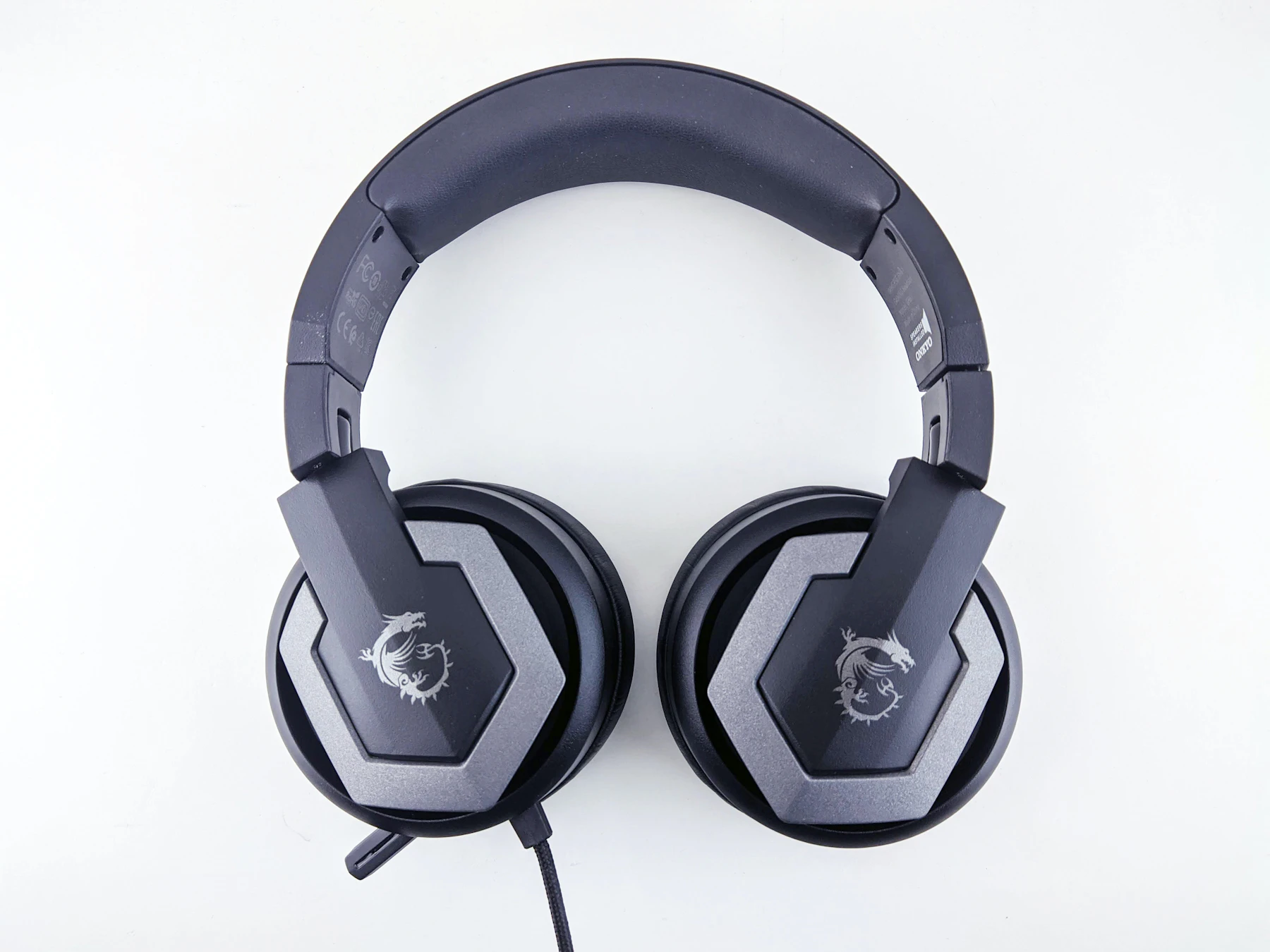
Plug a headset into your Xbox controller: it starts in Stereo uncompressed. To enjoy spatial sound, which places sounds around you, you have to turn it on by hand. Three formats are offered.
The three formats
- Windows Sonic for Headphones: Microsoft's spatial sound. It works with any stereo headset plugged into the controller, or with a wireless Xbox accessory.
- Dolby Atmos for Headphones: a high-end format, compatible with all headsets. Details are in the Dolby Access app.
- DTS Headphone:X: “object-based” surround sound. Details are in the DTS Sound Unbound app.
Turning on spatial sound
- Press the Xbox button to open the guide.
- Go to Profile & system › Settings › General › Volume & audio output.
- Under Headset audio, choose a format from the Headset format drop-down menu.
Which should you choose?
Start with Windows Sonic: it is built in and needs nothing more. Then try Dolby Atmos or DTS if you want to compare. Everyone's ears are different: test on a game you know well.
- Headset plugged in and recognized
- Headset format set to a spatial sound
- Tested on a familiar scene, with and without
- Chat volume set separately
If there's a problem
If the game's sound behaves oddly with Dolby Atmos or DTS, Microsoft advises turning them off. In the same menu, under Headset audio, select the option for HDMI or optical audio headphones.
Another known issue: after unplugging certain wireless headsets with a USB transmitter, the speakers stay frozen. Unplug the transmitter from the console: the speakers get their settings back.
What exactly GTA 6 will offer in terms of audio on Xbox will only be known at release. These settings remain valid for all your games.
Did this guide help you?
Read next
Xbox Controller: Batteries and Battery Life
AA batteries or a rechargeable pack, which batteries to choose, checking the charge level: the lowdown on powering the Xbox controller.
Xbox Controller: Updating It
Wirelessly, over USB or on PC: the three ways to update an Xbox controller, and the special case of the first controllers.
Xbox Elite Series 2 Controller: The Guide
What's in the box, the Core version, stick tension, profiles, battery life: what you need to know about Microsoft's pro controller.
Xbox: Capturing Clips and Screenshots
Share button, Xbox guide, clip length, automatic upload: every way to keep a record of your games on Xbox Series X|S.