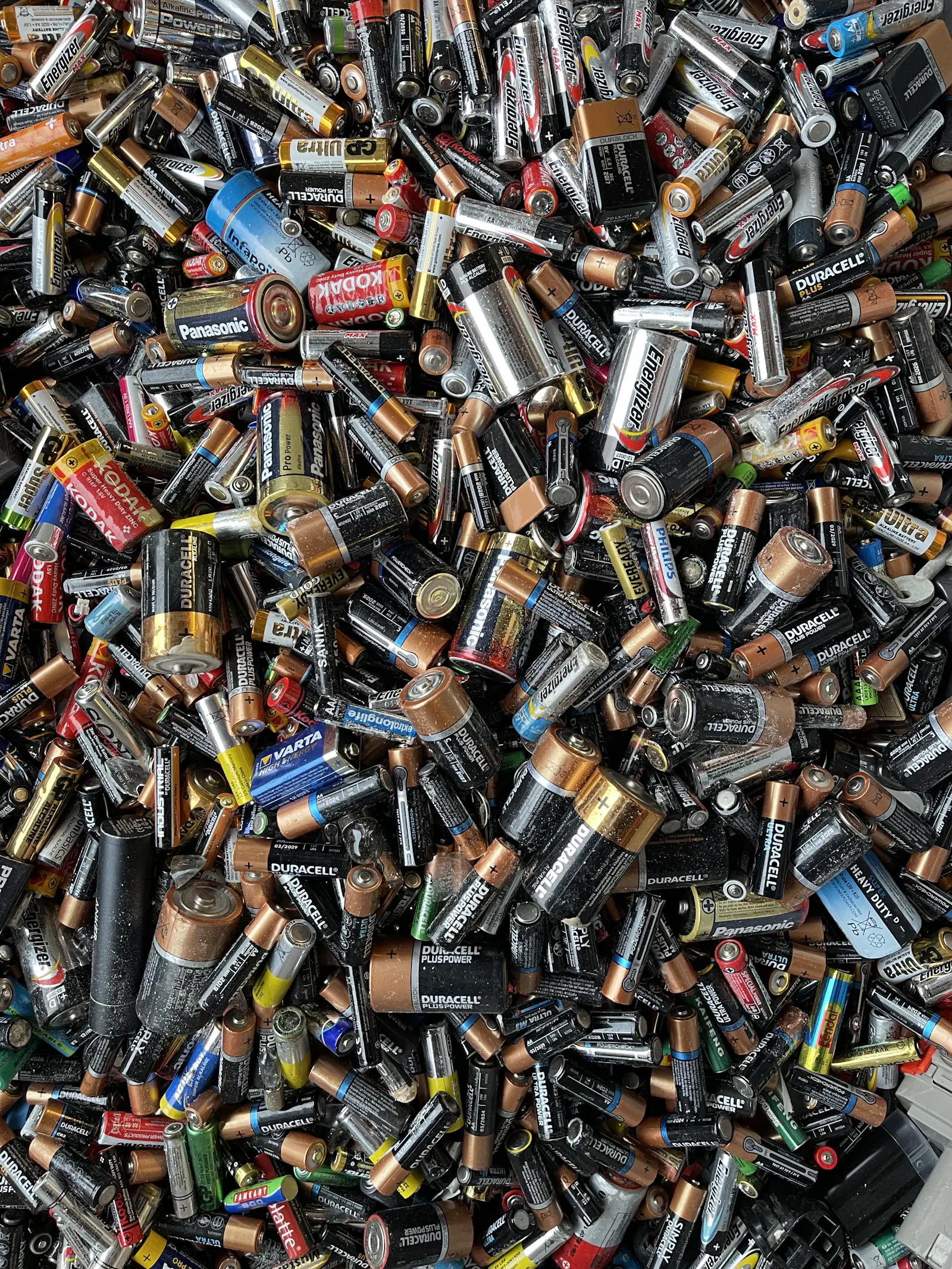
Unlike the PlayStation controller, the Xbox wireless controller runs on batteries or a removable rechargeable pack. It's flexible, provided you choose the right ones.
Two options
- AA batteries of the LR6 type (alkaline).
- A rechargeable battery pack, like the one in the Play & Charge Kit.
The new Xbox wireless controller uses the Xbox rechargeable battery with a USB-C cable. The Xbox One Play & Charge Kit remains compatible, but with a USB-C cable and not the one from the kit.
Microsoft's advice
For better performance, Microsoft recommends rechargeable AA batteries (HR6). Careful: they don't recharge inside the controller. You need a charger, following their manufacturer's method.
Installing the batteries
Hold the controller upside down. Press the arrow on the cover and slide it off. Insert the batteries following the + and - signs drawn in the compartment.
Checking the level
The battery indicator appears at the top right of the console's screens. If it's missing, go to Profile & system › Settings › Devices & connections › Accessories, select the controller, then “More options.”
- Red icon: batteries to replace or battery pack to recharge.
- Animated icon: the rechargeable battery is charging.
- Icon with a plug: the controller is connected by USB.
With several controllers, the indicator only shows the one on which you pressed the Xbox button. Microsoft also warns that accuracy varies with the battery type and brand.
- I have a set of charged batteries ready in advance
- I use HR6 rechargeable AA batteries and a charger
- I only use LR6 batteries if I go with alkaline
- I keep a USB-C cable to play plugged in as a stopgap
For a long gaming evening, two sets of rechargeable batteries in rotation are better than a late-night dash to the supermarket.
Did this guide help you?
Read next
Xbox Controller: Updating It
Wirelessly, over USB or on PC: the three ways to update an Xbox controller, and the special case of the first controllers.
Xbox Elite Series 2 Controller: The Guide
What's in the box, the Core version, stick tension, profiles, battery life: what you need to know about Microsoft's pro controller.
Xbox: Capturing Clips and Screenshots
Share button, Xbox guide, clip length, automatic upload: every way to keep a record of your games on Xbox Series X|S.
Xbox: Sharing Your Captures Anywhere
Activity feed, messages, the Xbox mobile app, Game Bar on PC: how to send your Xbox clips and screenshots to your friends and networks.