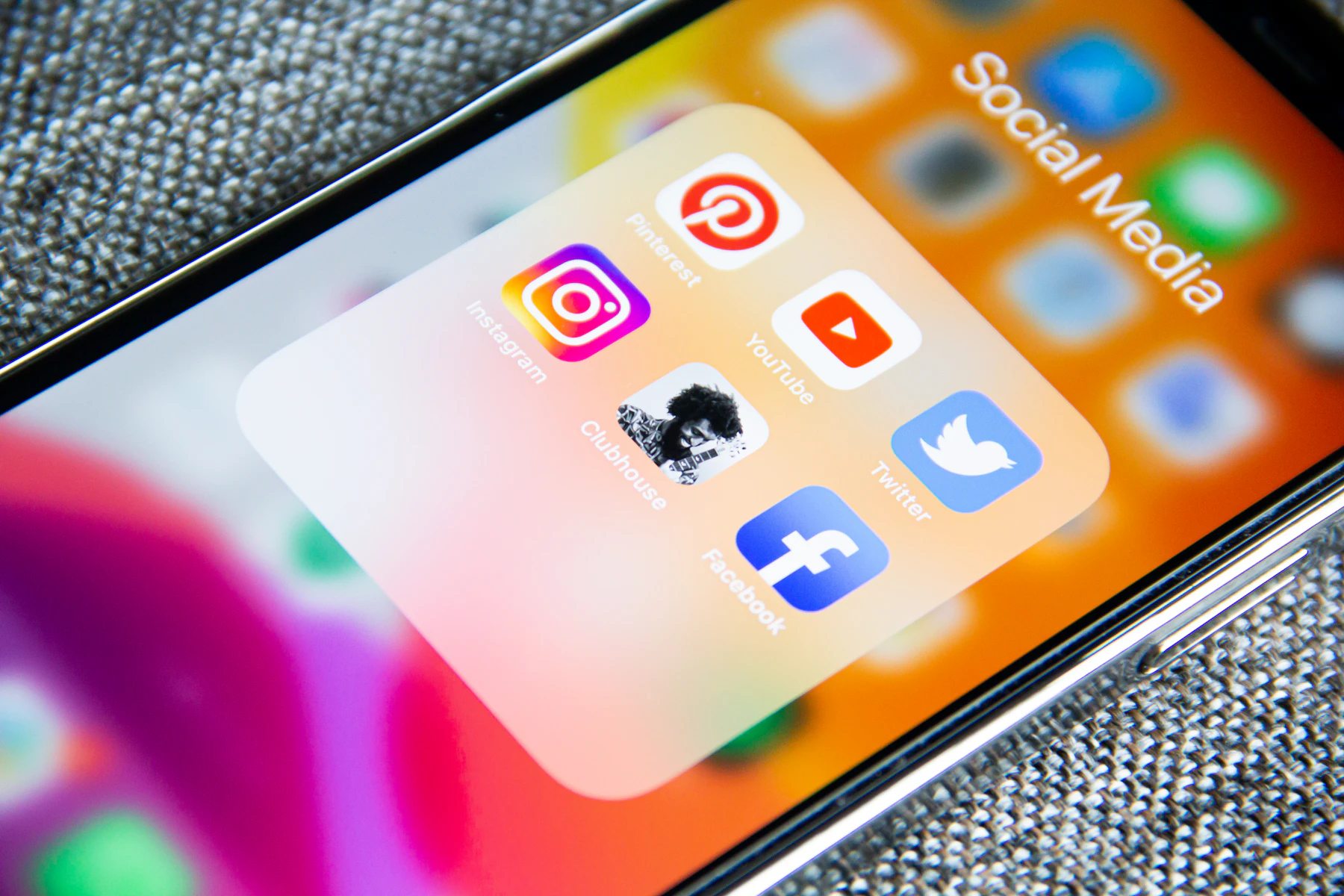
A great capture deserves to be seen. From an Xbox, you can share it on the Xbox network, or send it to your phone to post elsewhere.
From the console
- Open the guide with the Xbox button.
- Go to Capture & share › Recent captures.
- Select a capture, then choose a destination.
With the Series X|S controller, pressing the Share button twice opens your captures directly.
You can share to your profile's activity feed or in a message. The Mobile option sends a notification to the Xbox app on your phone.
The Captures app
To manage everything, open My games & apps › See all › Apps › Captures. There you'll find all your clips and images.
From your phone
- Open the Xbox app. If notifications are on, it lets you know about new captures.
- At the bottom of the screen, choose My Library › Captures.
- Select a clip or an image.
- Choose Copy link, or Share to the app of your choice.
It's the simplest way to post on Instagram, WhatsApp or Messenger. The copied link also lets you send a clip to a friend without downloading the video.
From a Windows PC
Press Windows + G to open the Game Bar, then the Gallery widget. Be careful: it only shows captures saved on that PC. Captures sent from the console can be viewed in the mobile app.
- The Xbox app is installed on my phone
- Its notifications are turned on
- I've checked who can see my activity feed
- I back up my favorite captures outside the Xbox network
Before you post
Xbox Support points out that notifications can slip into your captures. A quick look before sharing keeps you from showing a private message or your full gamertag.
Did this guide help you?
Read next
Xbox: Livestreaming Your Games
Install the service's app, activate your account, go live, switch providers: livestreaming from an Xbox.
Is GTA 6 on Game Pass? No, but Here's What It's Good For
GTA 6 is not included in any Game Pass plan: you have to buy it. Game Pass is, however, used for Xbox cloud gaming. Essential, Premium, Ultimate: what each plan includes.
Xbox Cloud Saves: How They Work and How to Check Sync
On Xbox, your saves go to the cloud with no subscription. How to check sync status, avoid the offline trap and delete old save data safely.
How to Clean a Gaming Controller and Console (Xbox)
How to clean an Xbox controller or console without damaging it: microfiber cloth, isopropyl alcohol at 70% or less, and which wipes are allowed for each device.