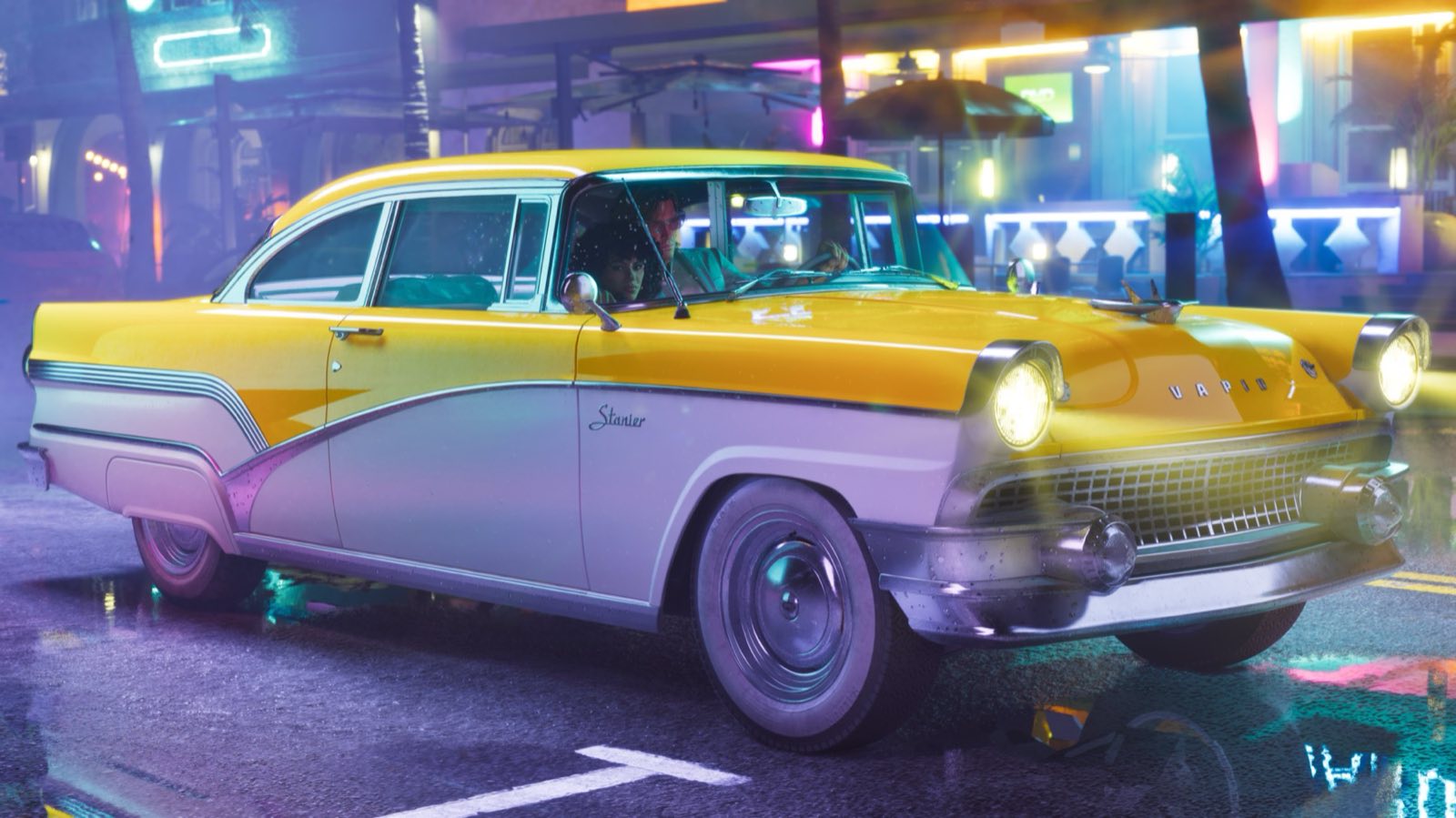
Driving through Vice City and the radio is drowning out Jason and Lucia's lines? Good news: the game's sound can be adjusted channel by channel. Here's what the Audio tab contains, according to the guides published by the gaming press from November 18. The labels are given in English, as those guides quote them: we have no reliable source for their exact French translation.
Where the sound settings are
Pause the game, open the settings, then the Audio tab. Shacknews places the option that mutes licensed music there; AllThingsHow (PS5 version) and DayOne (Xbox Series X|S version) list the volume sliders there. Both consoles seem to share the same menu, but no guide explicitly compares the two versions.
Turning down the radio without muting everything else
Volume is split across several sliders, rated from 1 to 10 and set to maximum by default, according to DayOne:
- Master Volume: the game's overall volume. Avoid touching it for the radio, as it lowers everything else too.
- Music: the music. This is the slider to lower if the radio is too loud.
- Dialogue: the characters' voices. Turn it up, or leave it at 10, to hear conversations in the car clearly.
- SFX: sound effects.
- UI: interface sounds.
- Media: present in both guides, but neither explains exactly what it controls. We'll check it controller in hand.
AllThingsHow only mentions Master, Dialogue, Music and Media for the PS5; DayOne adds SFX and UI on Xbox. If a slider is missing on your end, scroll through the tab: it has around fifteen lines.
Switching off the vehicle radio
The Audio tab contains a Vehicle Radio line, with three choices: Default, On and Off. It's set to Default at the start, according to AllThingsHow. Be careful: none of the guides we consulted explains exactly what each choice does. We'll check it controller in hand.
To cut all the music at once, the safe method is still to lower the Music slider to the minimum.
Muting only licensed songs
The Mute Licensed Music option, off by default, silences tracks by real artists. According to Shacknews, it doesn't affect the music composed for the game, and song subtitles keep appearing. It's mainly for people who stream their game live or publish videos, to avoid copyright claims, as AllThingsHow points out.
Changing station or turning off the radio on foot
New in GTA 6: the radio follows you out of the vehicle, through earphones connected to your phone (see our guide to stations and podcasts). According to the control layouts published by Shacknews and Insider Gaming, the left arrow on the D-pad handles radio controls on foot, while swimming, parachuting and flying; holding it opens the radio menu. In a car, the same button is assigned to the vehicle menu. Several sites mention L1 (PS5) or LB (Xbox) for the radio wheel in a car, but no reliable source confirms it: check the Controls menu in your options.
What we couldn't confirm
- The exact effect of the Default, On and Off choices of the Vehicle Radio option.
- What the Media slider controls.
- The exact button for changing station or turning off the radio in a car.
For the rest of your settings (picture, HDR, aiming), follow our guide to the best GTA 6 settings, console by console.
- DayOne — toutes les options de GTA 6 sur Xbox Series X|S (18 novembre 2026)
- AllThingsHow — les réglages de GTA 6 à changer en premier sur PS5 (19 novembre 2026)
- Shacknews — couper la musique sous licence dans GTA 6
- Shacknews — les commandes de GTA 6 sur PS5
- Insider Gaming — les schémas de commandes de GTA 6
Read next
How to Free Up Space on PS5 Without Losing Your Saves
See what fills your PS5, delete a game fully or in part, and keep your saved data: Sony's official method for making room before GTA 6.
PS5: Storing Your Games on a USB Drive
A USB drive runs your PS4 games and acts as a warehouse for your PS5 games. Requirements, formatting, moving games: the complete how-to.
PS5: Setting Up Rest Mode Properly
Charging the controller, downloading overnight, turning on remotely: the three PS5 rest mode options and how to enable them.
PS5: Automating Updates
System, games, apps: how to let the PS5 update itself overnight, and the settings to check.