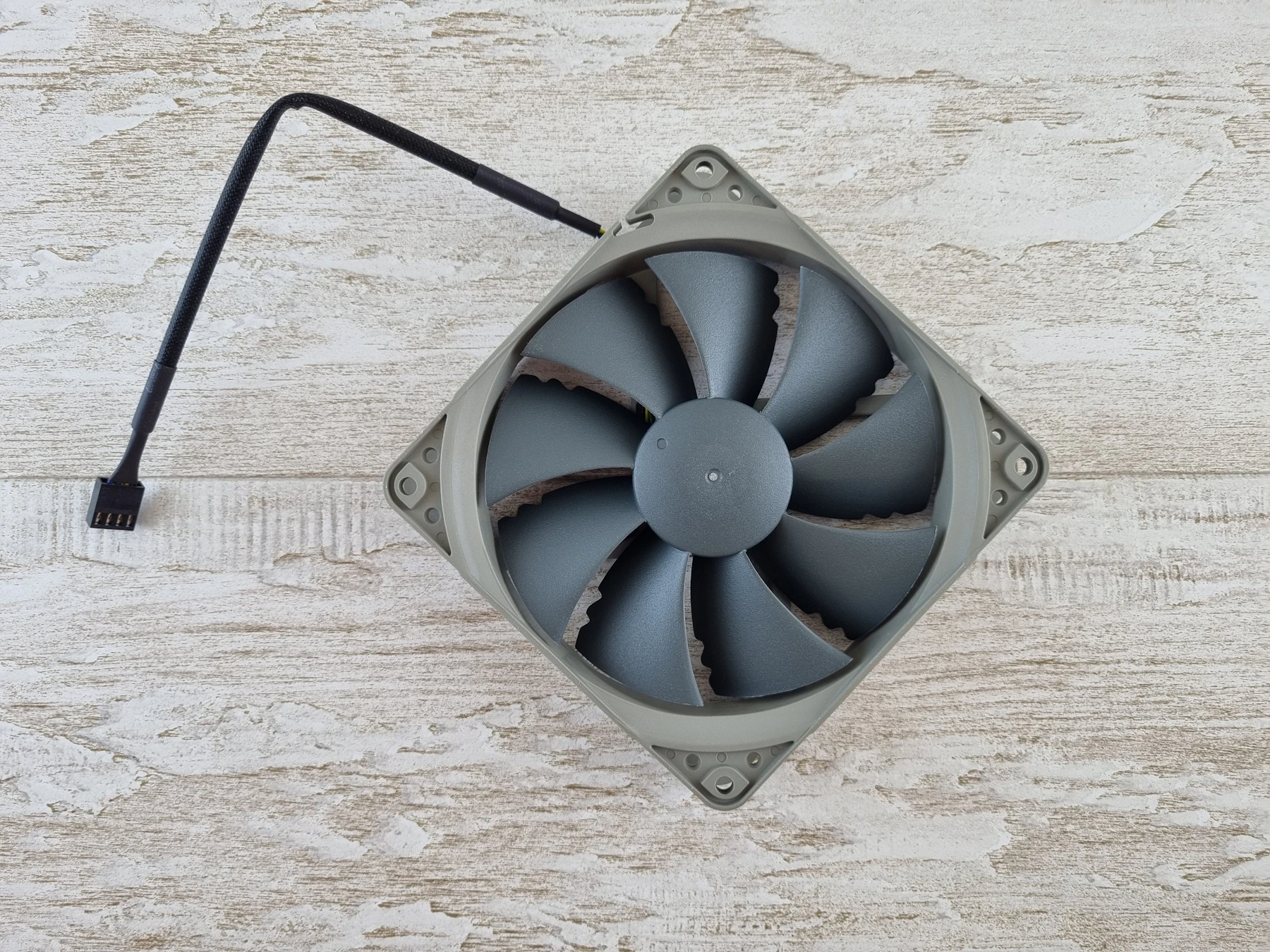
A fan going wild, a scorching console: often, the fault lies with the location or with dust. Sony's guidelines are easy to follow.
Fan noise
During some games, the fan speeds up to cool better. According to Sony, that is normal. What isn't normal is constant loud noise, even on the home screen: in that case, check the ventilation.
Placing the console properly
- At least 10 cm (4 in) free on each side of the console
- Side and rear vents clear
- No rug, carpet or fibrous surface underneath
- No narrow or enclosed space
- Away from a radiator and direct sunlight
The PS5 user guide also advises against smoky, damp or dusty rooms, and against covering the console with a cloth.
Cleaning the dust
- Turn the console off completely.
- Unplug the power cable at the back.
- Vacuum the vents and the area around them with a low-power vacuum cleaner.
The user guide also says you can remove the covers to vacuum the dust that has built up underneath.
The overheating message
If the console gets too hot, a message appears on screen. Continuing to play may cause the console to shut down. In that case:
- Turn off the console and let it cool down.
- Move it somewhere well ventilated.
- Check that nothing is blocking the vents.
- If you have installed an SSD, check that its heatsink is properly in place.
If the problem persists regardless, contact PlayStation support. Don't take the console apart yourself: you could void the warranty.
Standing or lying down?
It doesn't matter, as long as the console is stable and air can circulate. Use the supplied stand for the position you choose. A console that tips over or rests on a vent will heat up faster.
Did this guide help you?
Read next
PS5: Reducing Energy Use
Game power saving, delay before rest mode, standby options: the official settings for a more frugal PS5.
PS5: Safe Mode, a Last Resort
Black screen, a game that won't launch, an unstable console: how to start the PS5 in safe mode and which options are safe to use.
New PS5: Transferring Your Data
From a PS4 or a PS5 to a new PS5: conditions, menu path, what gets copied and the mistakes to avoid during the transfer.
PlayStation App: Downloading from the Couch
Linking your PS5, starting a remote download, freeing up space from your phone: what PlayStation App can do.