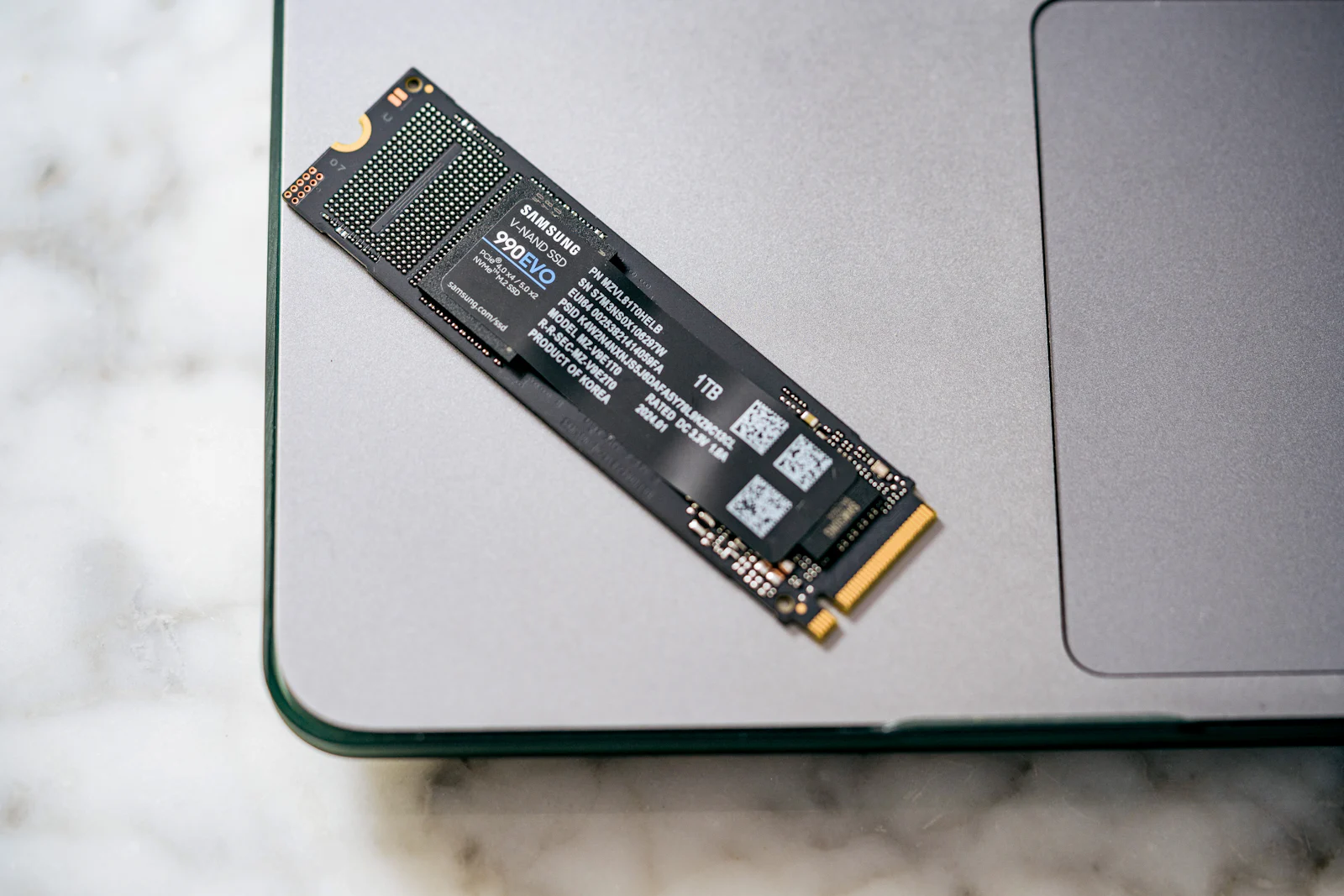
GTA 6 needs up to 212 GB of free space on PS5. If your console is full, adding an internal SSD is the most comfortable solution. Here are the rules set by Sony.
The SSD you need
- M.2 NVMe SSD with PCI-Express Gen4 x4 (M.2 SATA SSDs don't work)
- Capacity between 250 GB and 8 TB
- Form factor 2230, 2242, 2260, 2280 or 22110
- Read speed of at least 5,500 MB/s (recommended)
- A heatsink, built in or added
- Console updated before installation
Watch out for the heatsink
Sony requires one. It has to fit in the slot: 11.25 mm thick at most in total, and 25 mm wide. If it is too big, the cover won't close.
Installation in brief
- Turn the console off completely and unplug all the cables.
- Remove the cover plate (and the stand on the first PS5 model).
- Open the expansion slot cover and adjust the spacer to the length of the SSD.
- Insert the SSD at an angle, then secure it with the screw.
- Close it up, plug everything back in, and format the SSD at startup.
The procedure varies a little depending on the model: check your console's model number on the PlayStation website.
What about a USB drive?
An external USB drive can store PS5 games, but not run them. You have to copy them back to internal storage to play. Handy for freeing up space, but not for playing GTA 6 directly.
Did this guide help you?
Read next
Xbox: The Storage Expansion Card
On Xbox Series X|S, only the internal SSD and the expansion card can run GTA 6. What you need to know.
PS5 or PS5 Pro for GTA 6? What the Pro Really Changes
The game is out: the PS5 Pro offers the sharpest and most stable picture, but stays at 30 fps. The measurements, the price and our pointers for choosing.
Can You Play GTA 6 on Xbox Series S? Yes, but in 1080p
GTA 6 runs on Xbox Series S: rendered at 720p and upscaled to 1080p, between 25 and 30 fps, and more than half of the 512 GB drive taken. What you need to know.
Controller and Headset: Getting the Most from the PS5
Haptic feedback, adaptive triggers, 3D audio: what GTA 6 uses on PS5, and how to set it up.